
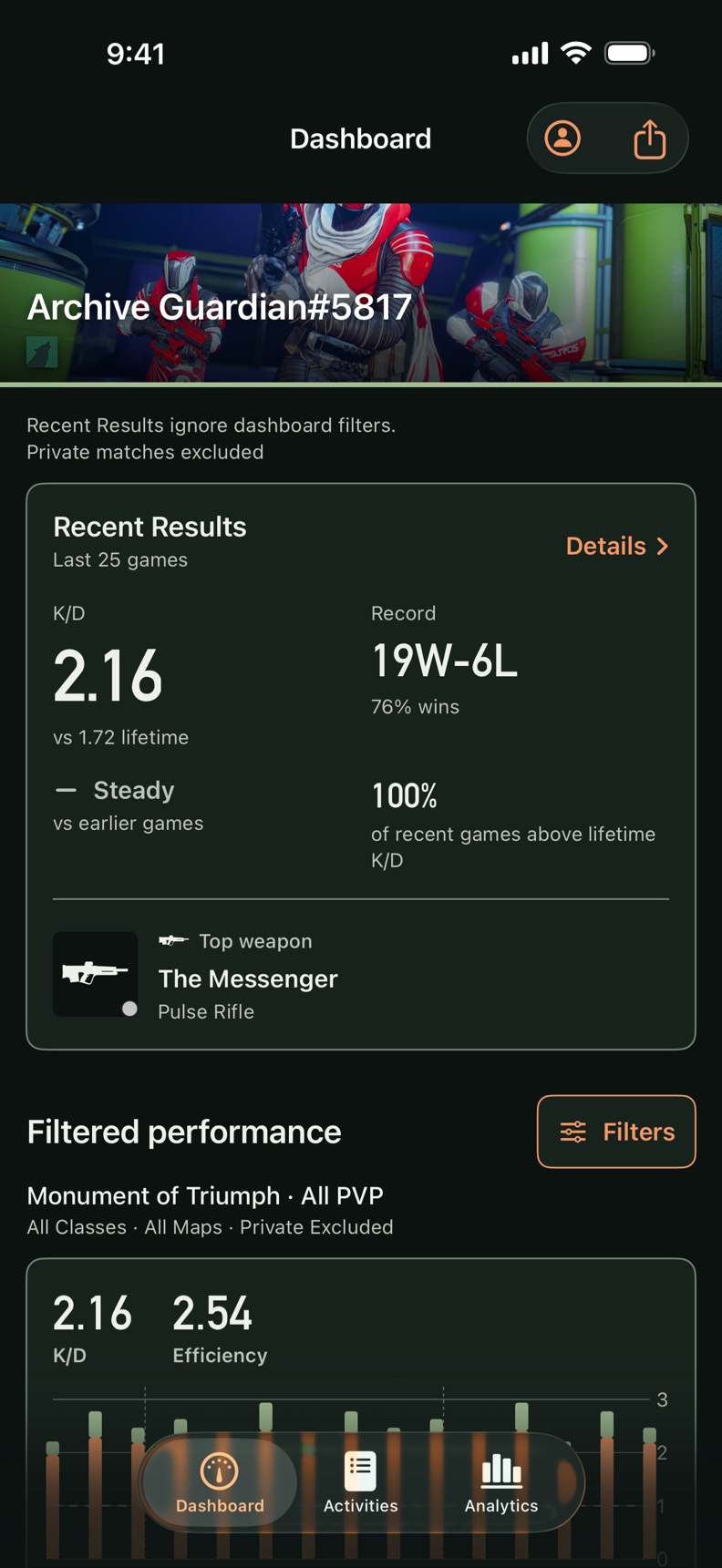
K/D, efficiency, and win rate
Your recent performance and longer-term record at a glance.
Last Banner is a Destiny 2 PvP stats tracker for iPhone and iPad. Explore Crucible match history, follow performance trends across game modes, and see which weapons earn their place. Your archive stays on your device.
Free to download for iPhone and iPad.
“Great statistical data. Ease of use. Great app all around for D2 PVP stats.”
“Easily the best-looking D2 PVP app out there.”
See the story behind each session: how you performed, which matches mattered, and which weapons worked together.
Your recent performance and longer-term record at a glance.
Return to each match for its own result and breakdown.
See weapon use and pairings across your games.
From a quick read on your last session to a closer look at your strongest eras.
Your PvP record, at a glance.
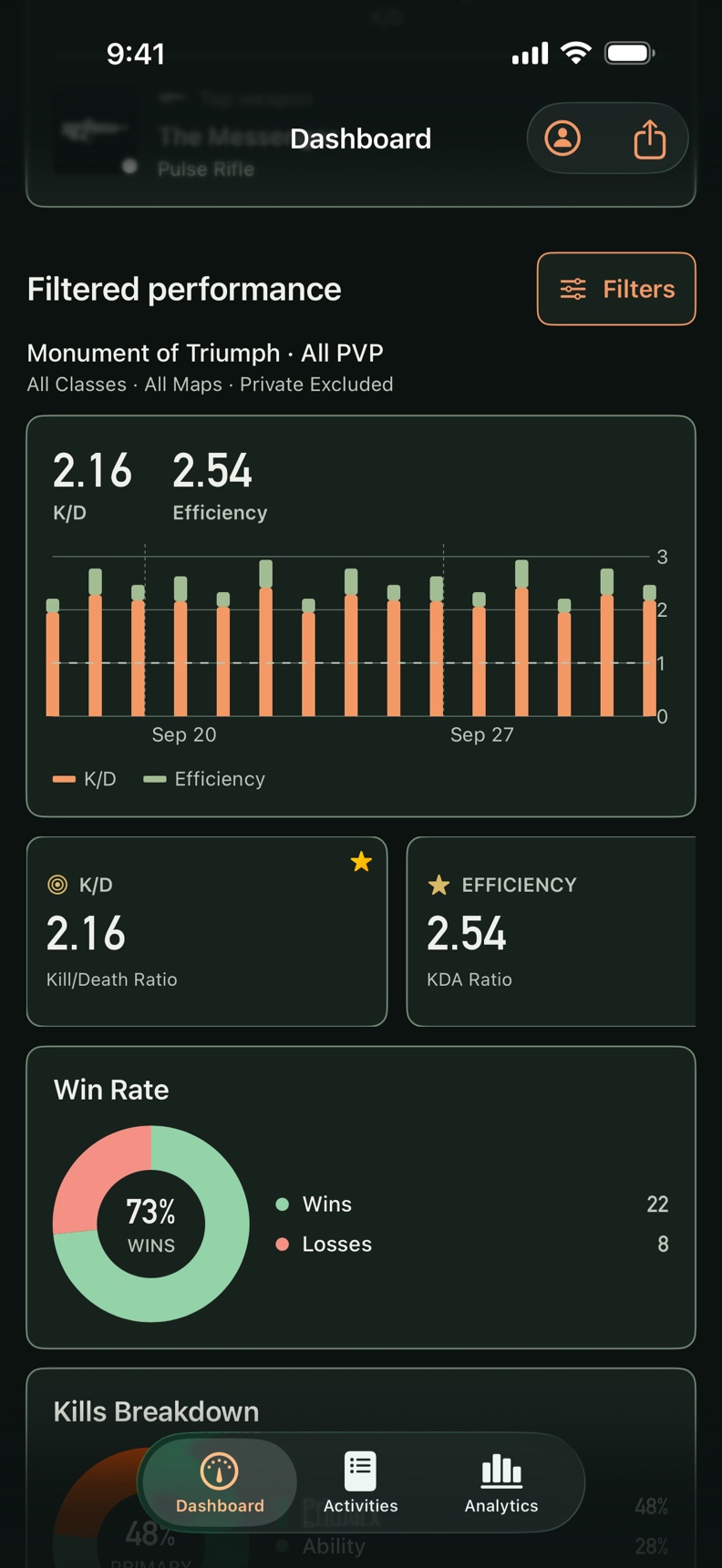
See the shape of improvement.
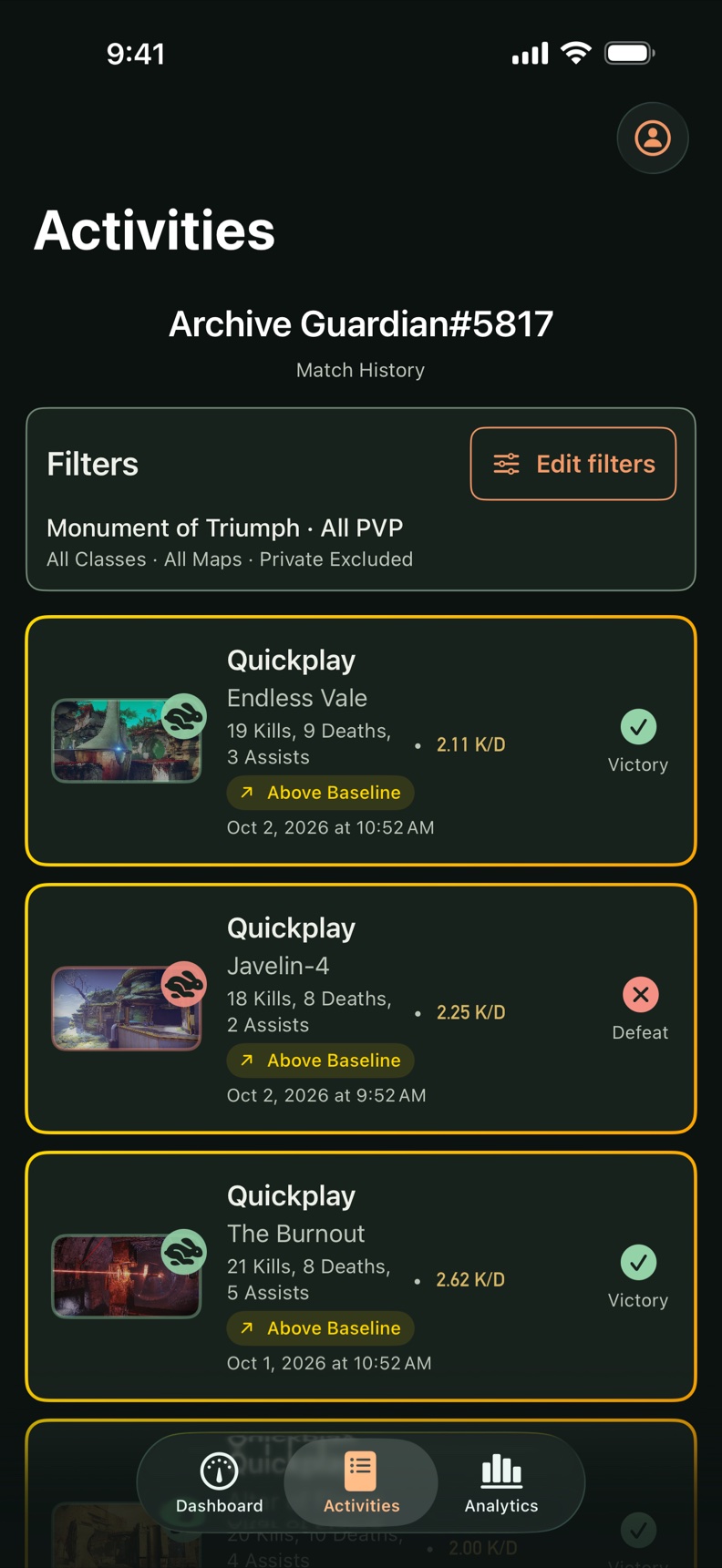
Revisit the games behind the numbers.
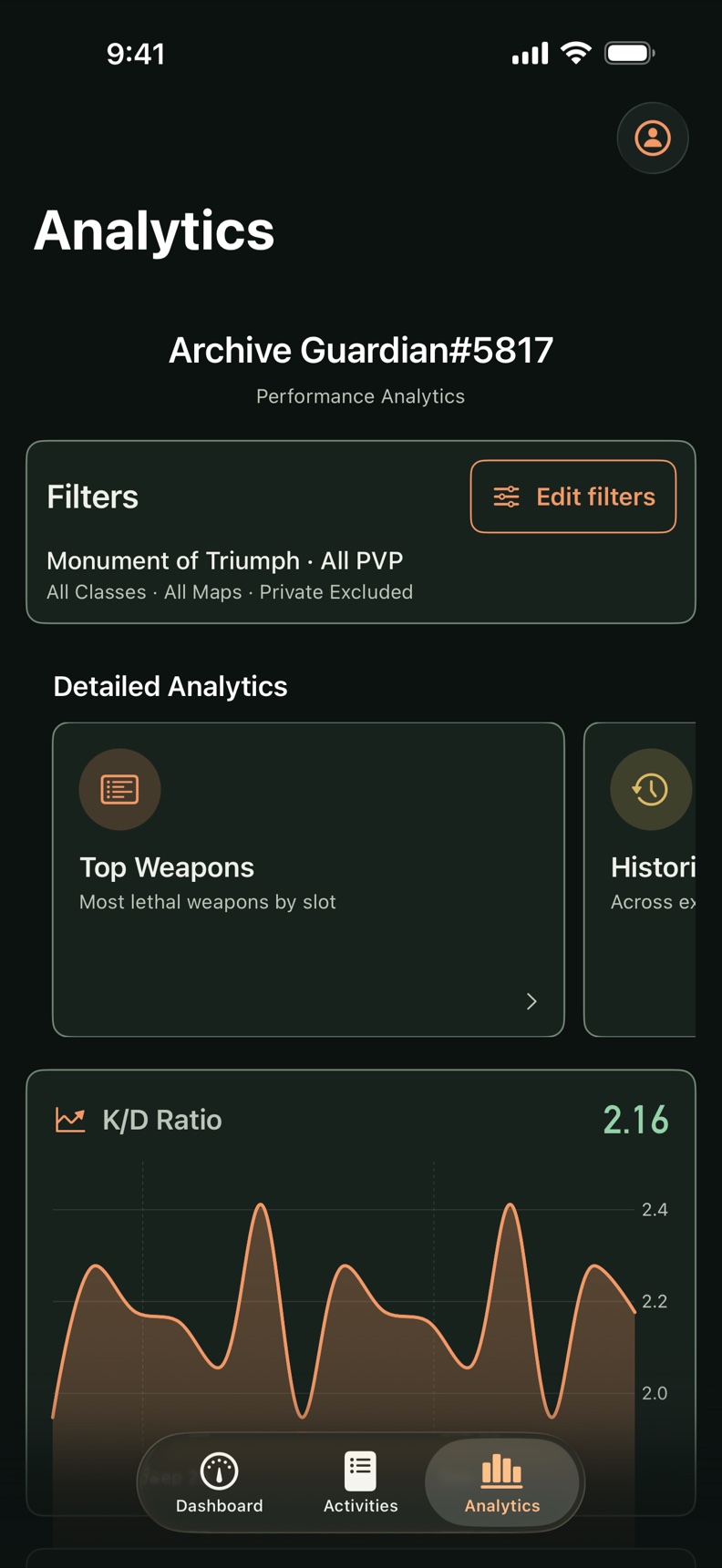
Find the patterns in your play.
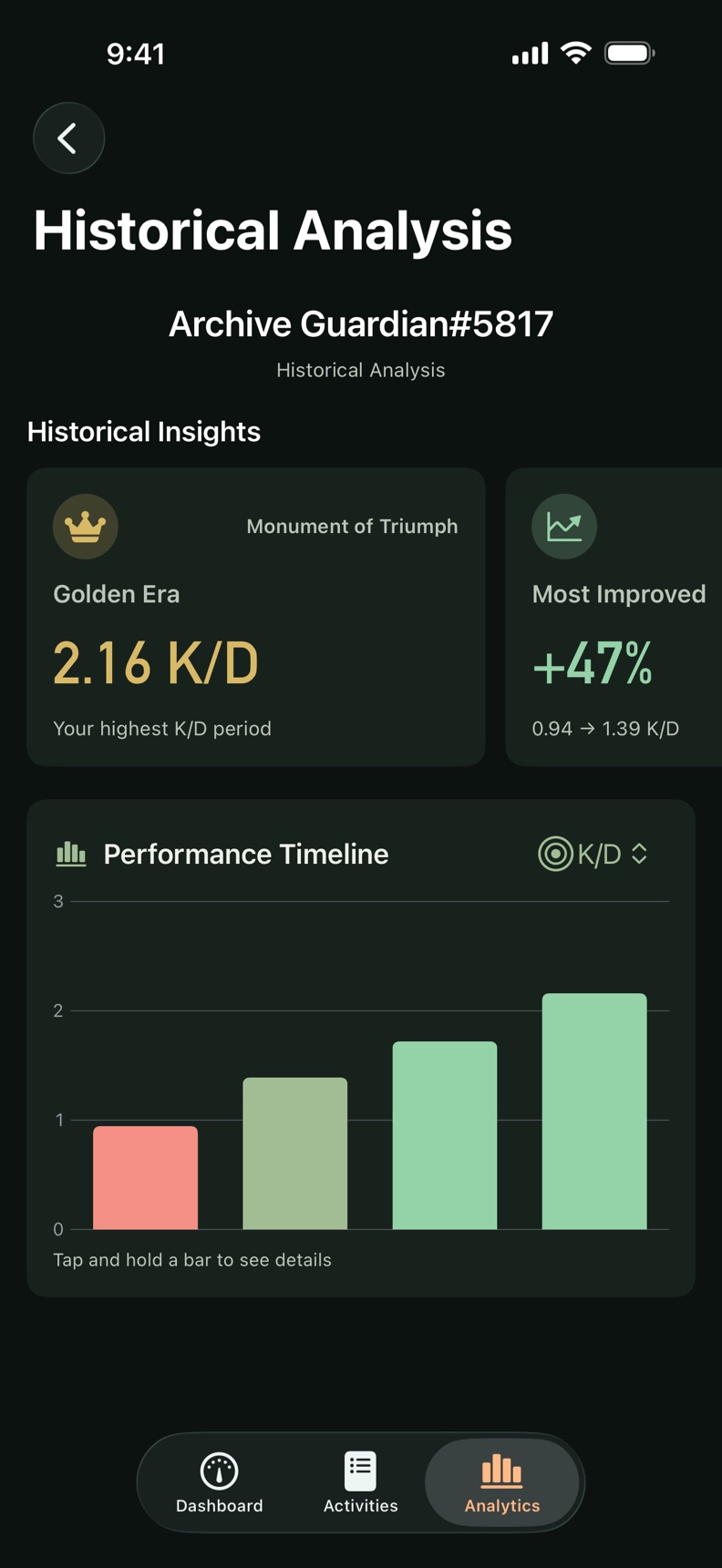
Rediscover your strongest eras.
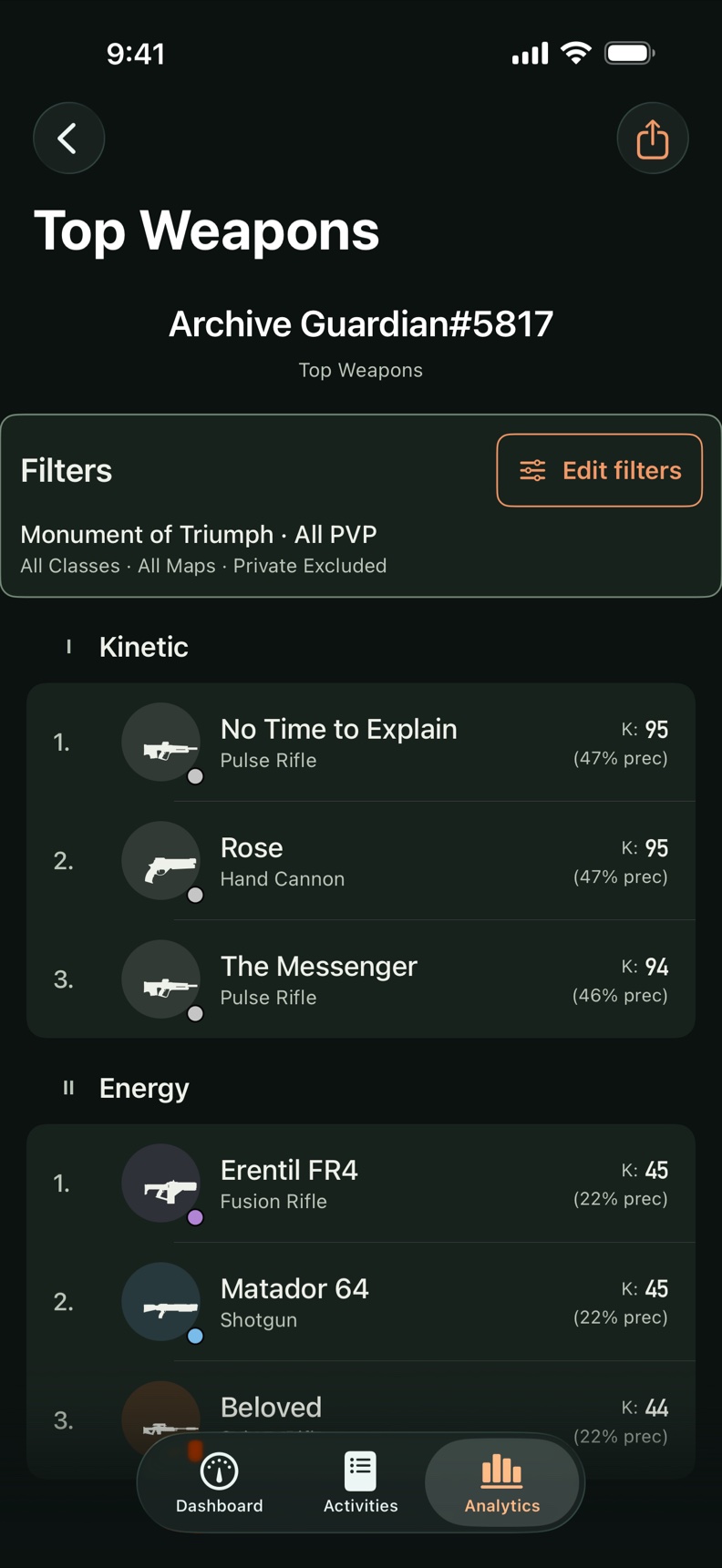
Learn what works in your hands.
Find a specific match or focus your numbers on Trials of Osiris.
Find past matches, narrow the list with filters, and open the results behind your stats.
Read the match-history guideFocus on Trials matches and understand your K/D, efficiency, wins, and weapon results.
Read the Trials stats guideFind your way through the archive and get the most from your Crucible history.
Last Updated: October 26, 2026
Last Banner is a Destiny 2 player statistics app for iOS, iPadOS, and native macOS. This policy describes information handled by the app, including data stored on your device and diagnostics and usage information sent to Firebase services operated by Google.
When you add a player, the app uses the Bungie display name you enter to find that player's publicly available Destiny 2 information. It downloads match history, performance and weapon statistics, character class, match dates, and game modes from Bungie's API. Player profiles and downloaded game data are kept in the app's local storage. On iOS, a widget snapshot containing the selected player's display name, membership ID, and summary or weapon statistics is shared with the app's widget in shared storage on the same device. The widget reads this snapshot locally and does not make its own network requests.
The app can sync automatically when opened; on iOS and iPadOS it may also refresh data in the background when the system allows. You can also start a sync yourself. If you use a share card, it can contain the Bungie name and the statistics shown on that card. The platform share sheet lets you choose a destination. Recipients or services you select handle any copy you share under their own practices.
Last Banner uses Firebase Analytics and Firebase Crashlytics, services operated by Google, on iOS and macOS. They help us understand how app features and widgets are used, whether syncing works reliably, and why crashes happen. The app has no in-app analytics consent prompt or opt-out control.
Firebase can automatically collect app and session activity; device, operating-system, and app details; approximate location; and app-instance or installation identifiers. Crash reports may include stack traces and activity breadcrumbs. See Firebase's Analytics data collection information and Firebase's privacy and security information.
Custom analytics and diagnostic fields report broad feature and sync activity. Those fields omit Bungie display names and account IDs and downloaded match records. This description applies to the app's custom fields; it does not limit information Firebase may collect automatically or include with crash reports.
We use usage analytics to understand feature use and sync reliability, and diagnostics to investigate failures and improve the app. Local game data powers match history, statistics, filters, and widgets. Bungie receives API requests needed to find and retrieve publicly available game data, under Bungie's own privacy practices. Google processes Analytics and crash diagnostic data for analytics and crash reporting, and may process information in countries other than where you live. We do not use Last Banner to sell your game data.
Player profiles and downloaded activity data are stored locally, with the iOS widget snapshot shared on the same device. Data sent to Google is retained according to the applicable service settings and Google's retention practices.
Removing a tracked player in Manage Player removes that profile, its sync records, and the downloaded activity cache for that player, and updates the widget state. This stops syncing that player. It does not delete Bungie's records, information already sent to Google, or copies shared with others. Uninstalling the app does not request deletion from those services or remove copies held elsewhere, and may not remove every local or shared copy.
You can view tracked information in the app and remove a tracked player in Manage Player. There is no general sync-disable setting or in-app control to opt out of Firebase Analytics or Crashlytics. Protect access to your device and use the device's available security settings. We use platform storage and service protections, but no method of storage or transmission can be guaranteed completely secure.
Last Banner is intended for Destiny 2 players and is not directed to children under 13.
Last Banner uses the Bungie API but is not endorsed or certified by Bungie. Bungie's information practices are described in its Privacy Policy and Terms of Use.
We may revise this policy and will update the date above when we do. For questions about privacy or the app, contact Otter Creek Software through the Last Banner Discord.
Need help? Have feedback? We're here for you.